
1-Click Visit Entry
Record archwires, calibrated elastics, hygiene checks, and next-visit plans in seconds without leaving the patient screen.
Orthodontic Practice Management
OrthoMetry unites patient records, cephalometric analysis, 3D tooth charting, before/after 3D STL models, Orthodontic Studio, multi-clinic scheduling, and clinic finances in one calm Windows workspace. Patient data stays local on your workstation, while Google Drive, Google Calendar, and the Android companion remain optional extras you enable only when you choose.
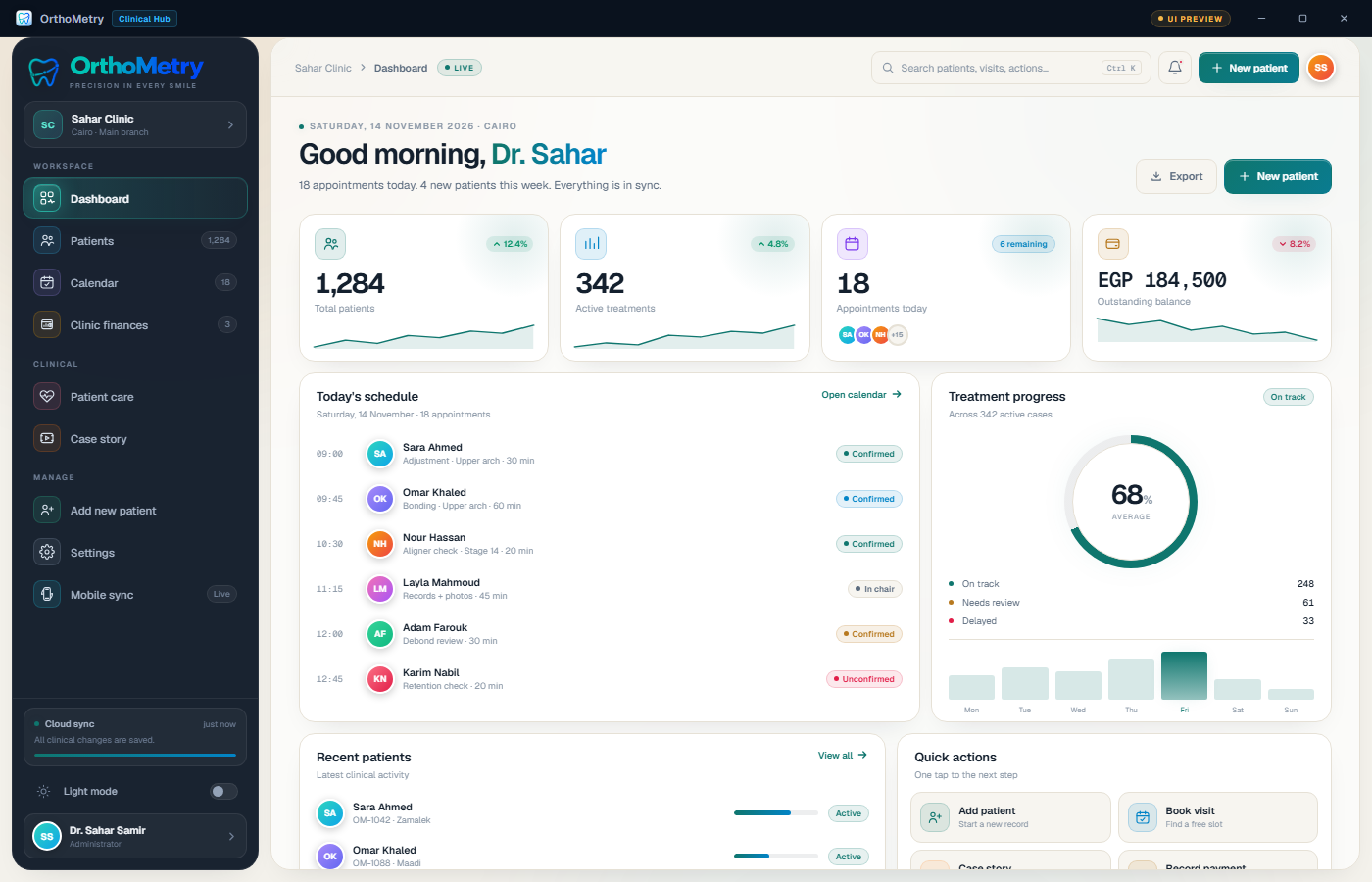
Record archwires, calibrated elastics, hygiene checks, and next-visit plans in seconds without leaving the patient screen.
Jump straight to any patient by name, code, or phone number from anywhere in the app with Ctrl+K.
Structured ceph landmarks, 3D dental-arch charting, and T0-to-debond photo mounts keep every appointment consistent.
Designed so doctors, assistants, and front-desk staff become productive in minutes—no IT department required.
Keep demographics, diagnosis, visit history, cephalometric tracings, and dental-arch charting unified in a single calm workspace built for chairside clarity.
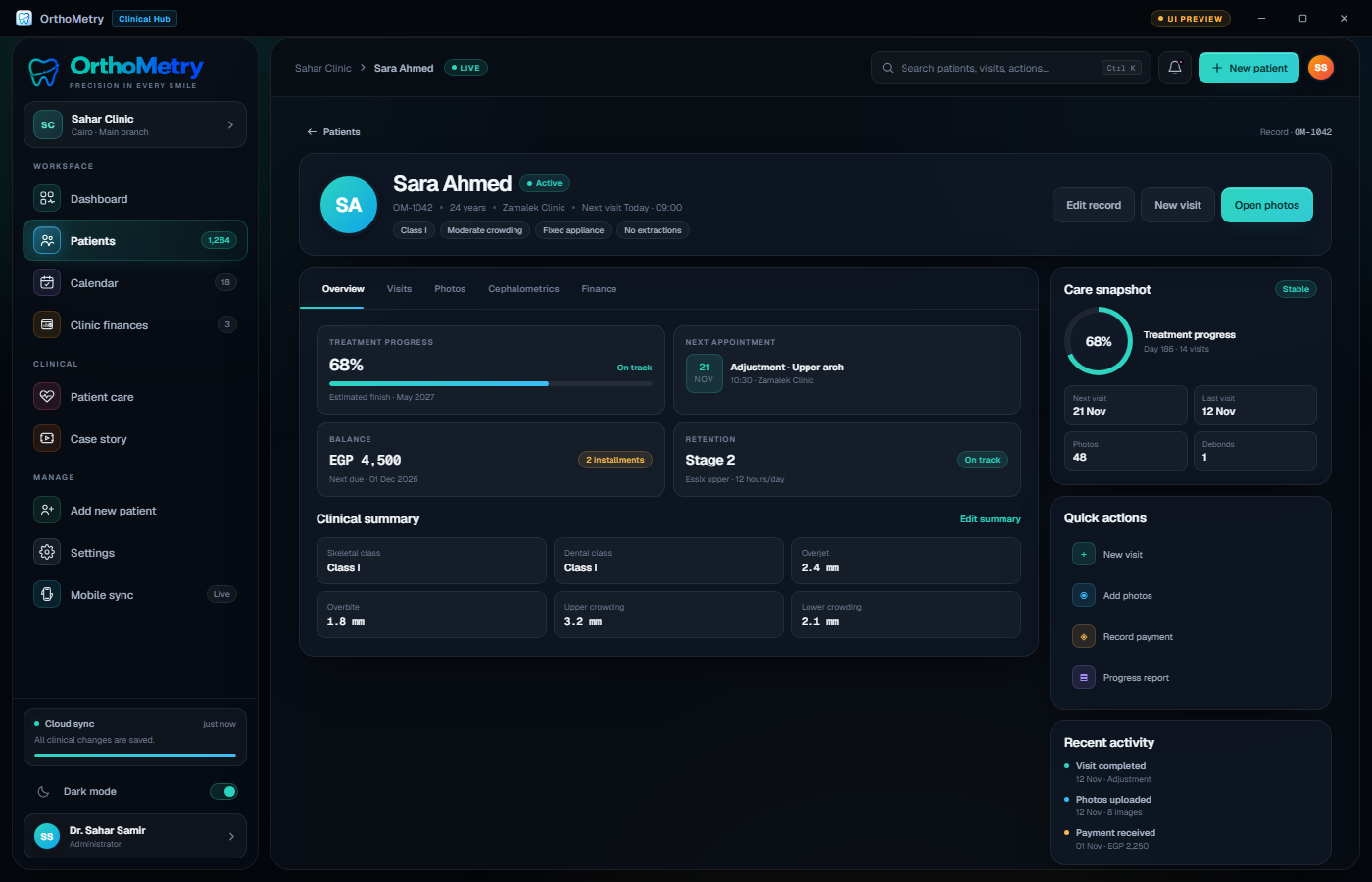
Map every tooth with clinical precision on Windows and keep your chairside Android companion updated in real time over your clinic LAN or optional 4G/5G cloud bridge.
Active Fixed · Class II Div 1
TADs UR5 / UL5 · Endo #46 note synced
Inspect digital study casts side by side without leaving the patient file. Compare pre-treatment alignment with finishing scans using synchronized camera controls.
Turn routine clinical photography into structured visual progress stories, while automatically backing up photos, 3D STL models, and your clinic database to your own Google Drive when enabled.
drive.file scope) storing only the OrthoMetry folders and orthometry_database_backup.db inside the clinic’s own Drive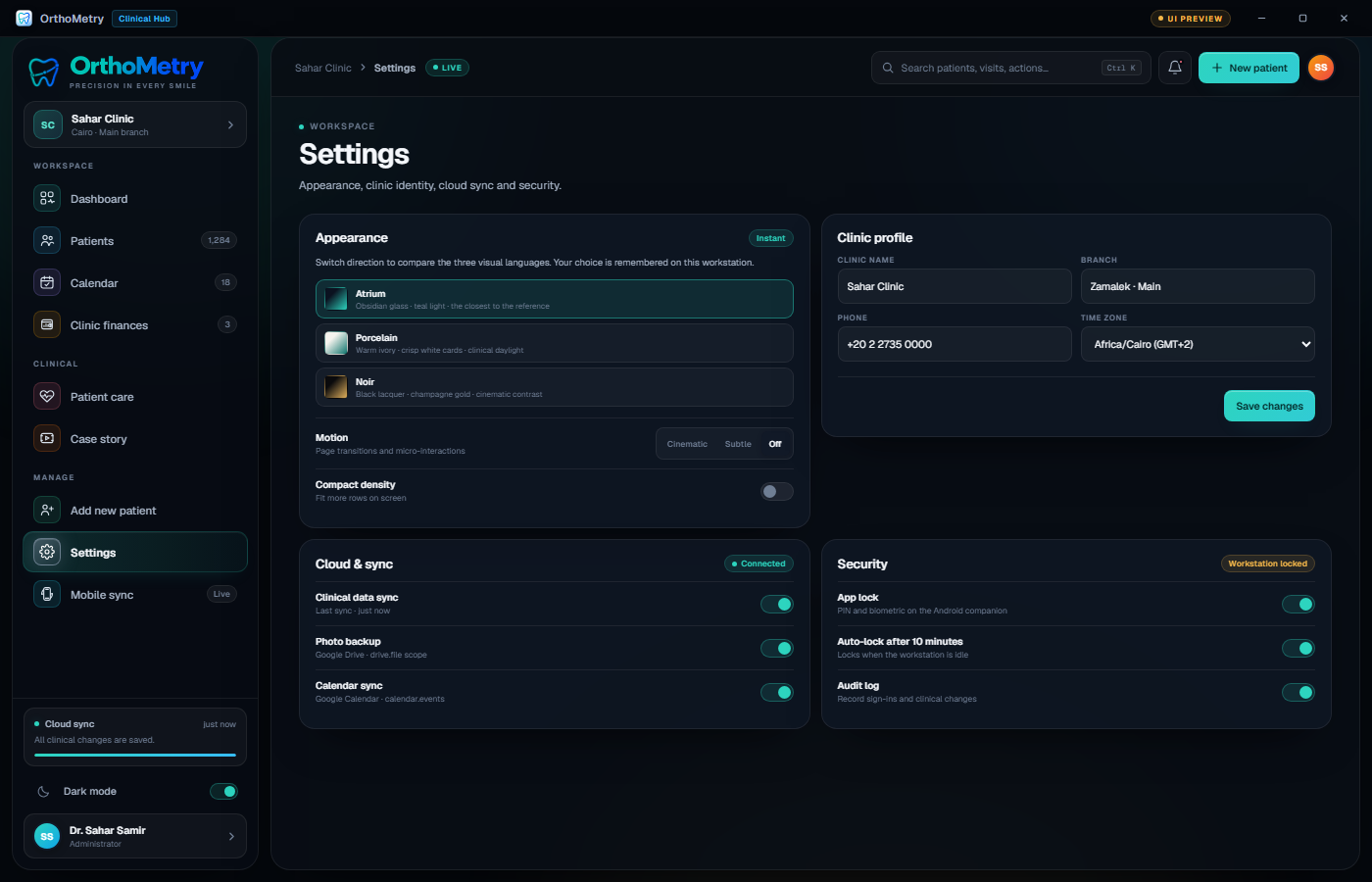
Manage multiple clinics from one crisp daily schedule, keep chairside follow-ups on track, and mirror appointments straight to Google Calendar when your team wants them on the go.
calendar.events scope) mirroring clinic appointments with patient name or code, procedure, duration, clinic, and notes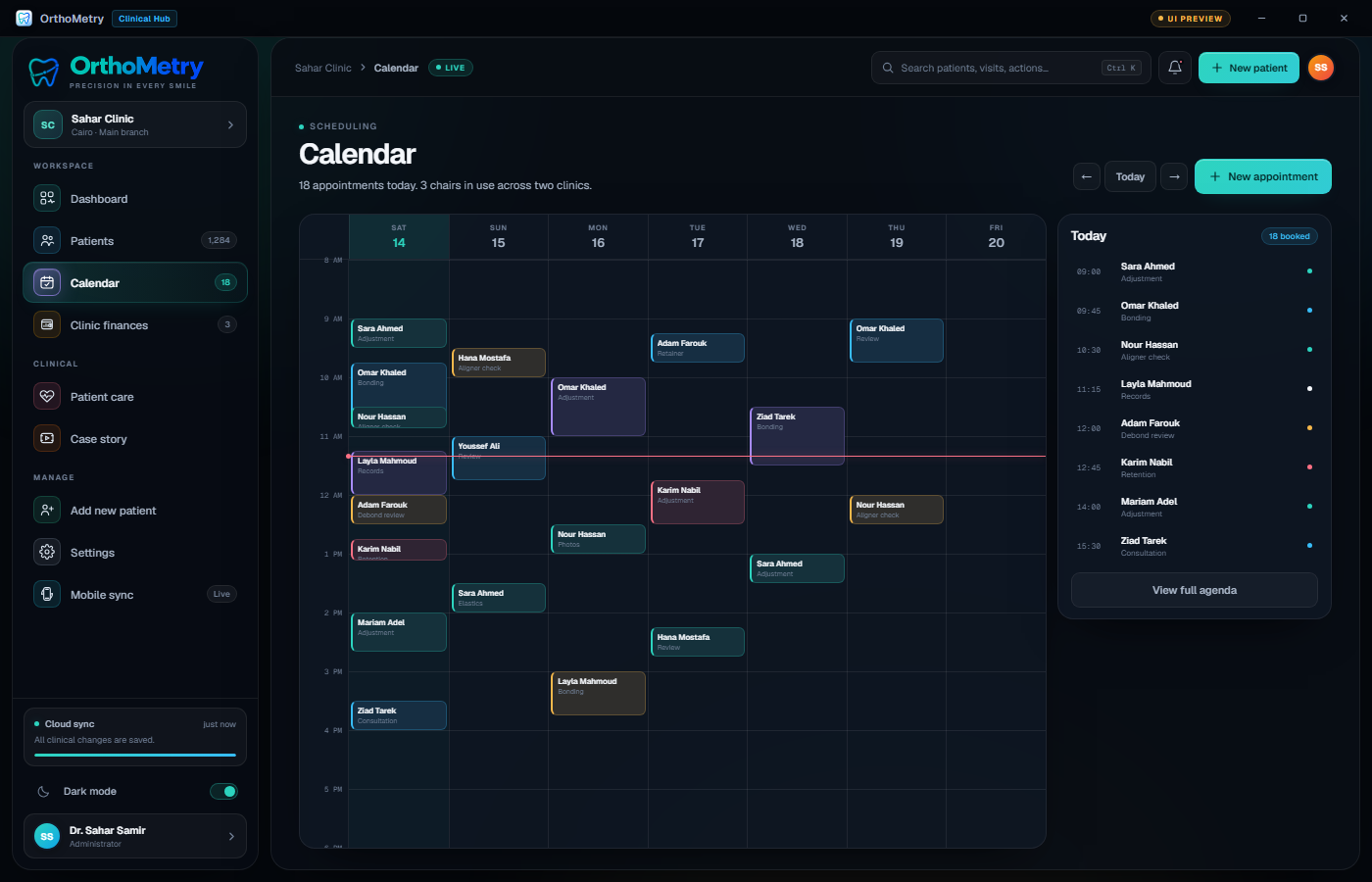
Educate patients and capture clear treatment expectations with 9 print-ready clinic documents in English, Arabic, or bilingual EN + AR layouts.
Turn real T0 and visit photos into 9:16 Reels, 4:5 / 1:1 social posts, or 16:9 Before/After MP4 videos and JPG comparisons without leaving OrthoMetry.
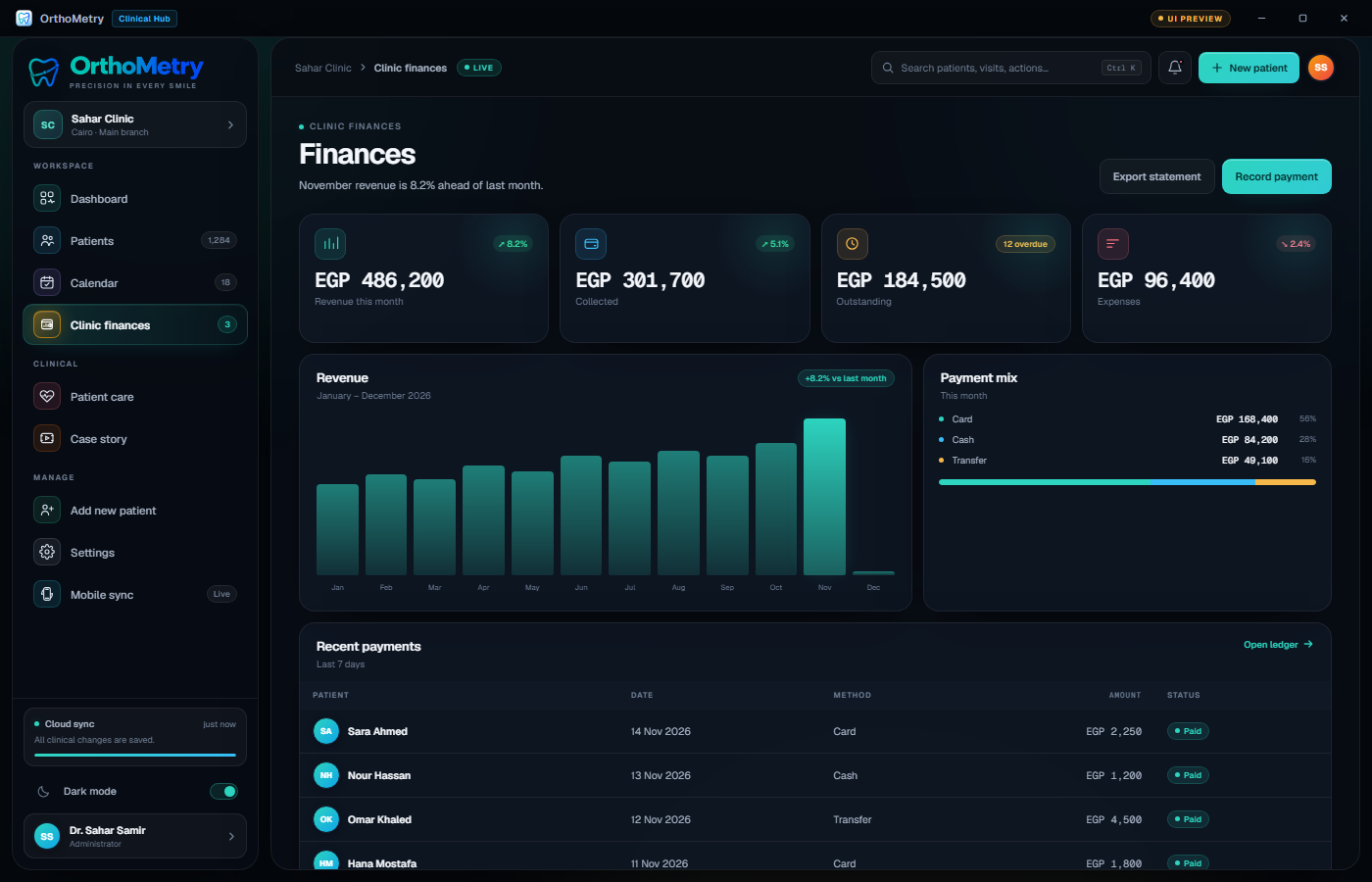
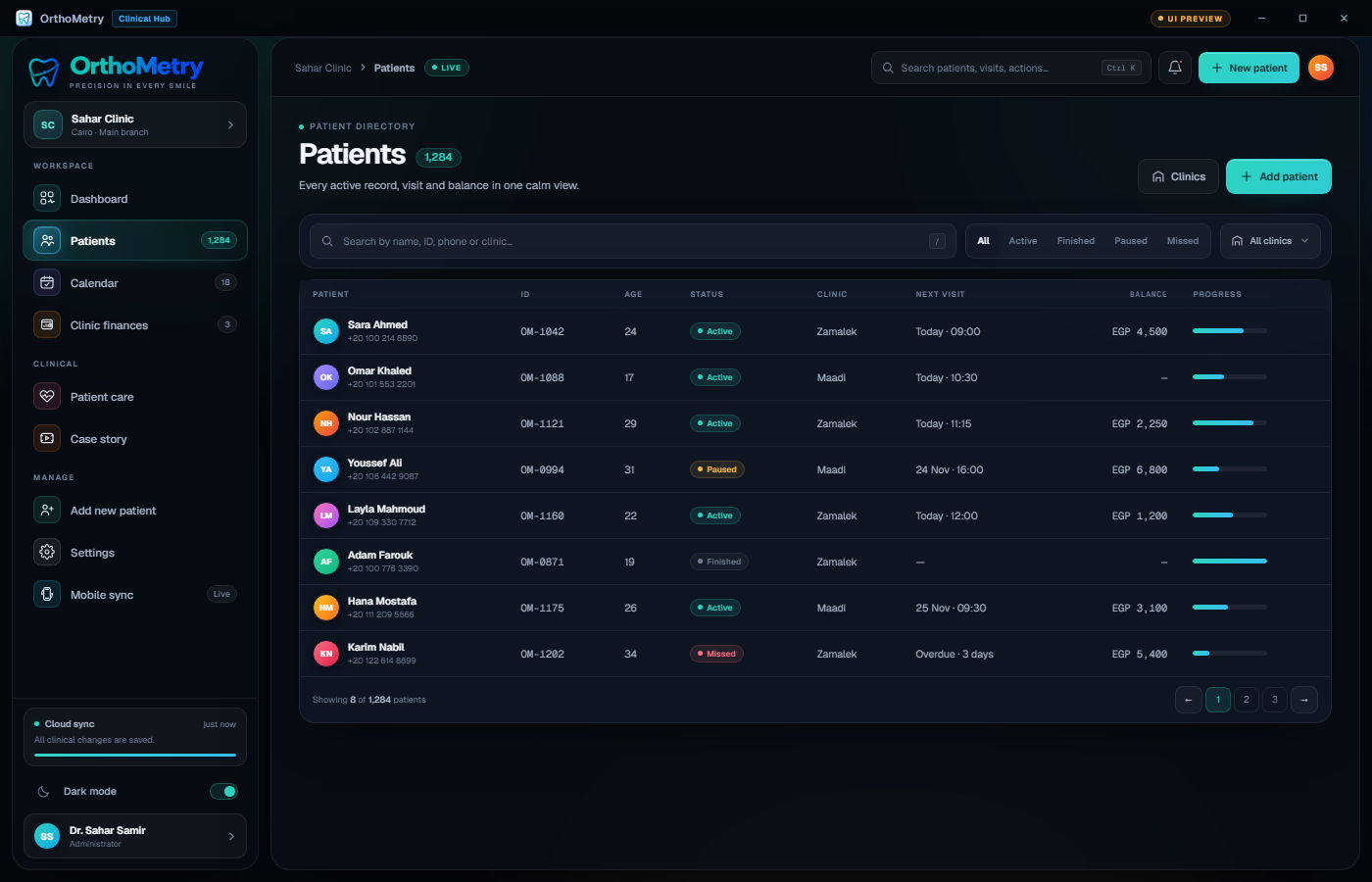
Track treatment balances and active cases at a glance on Windows, with clear multi-clinic collections and instant filtering across your entire patient roster.
Signature Clinical Themes
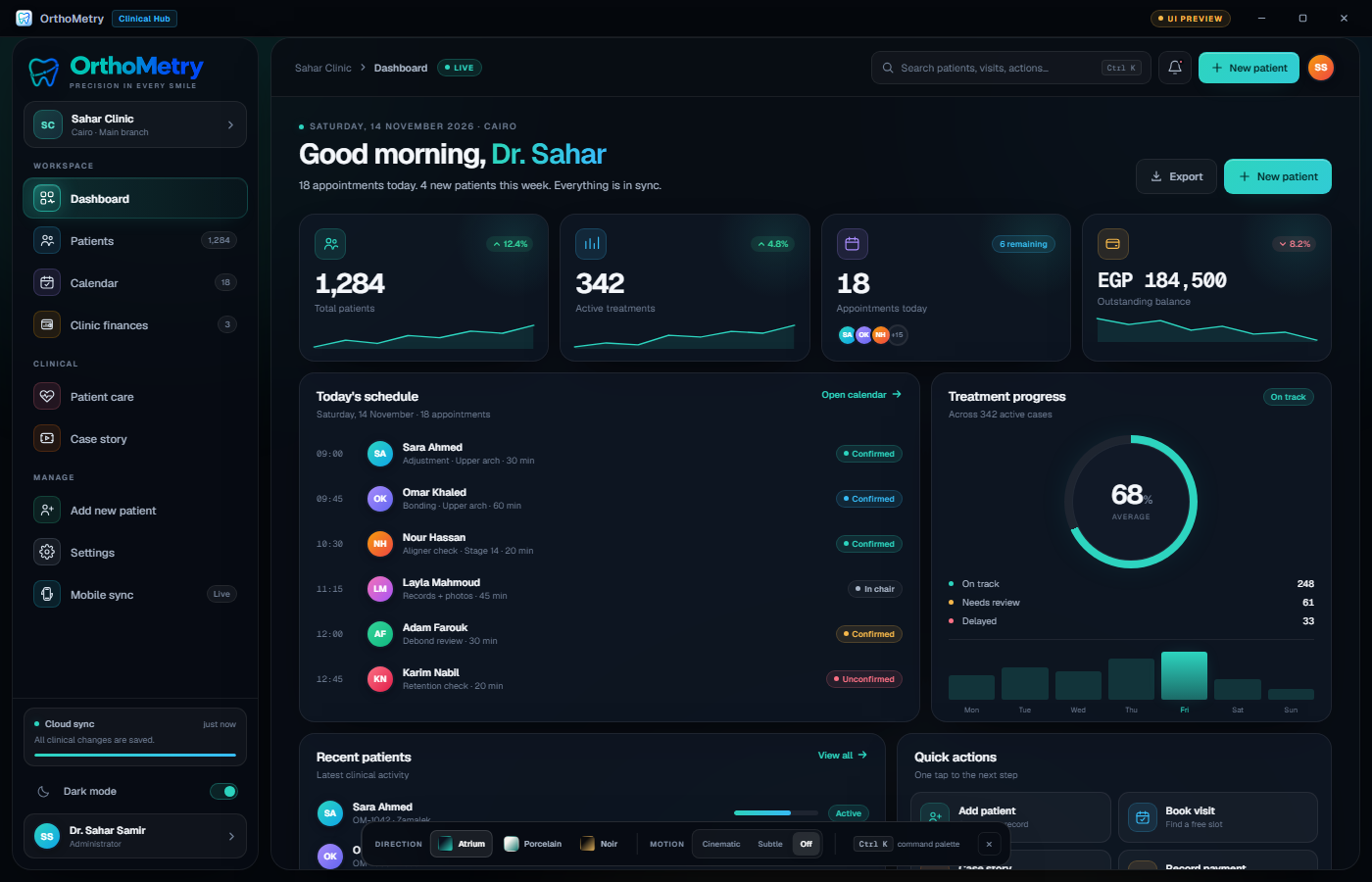
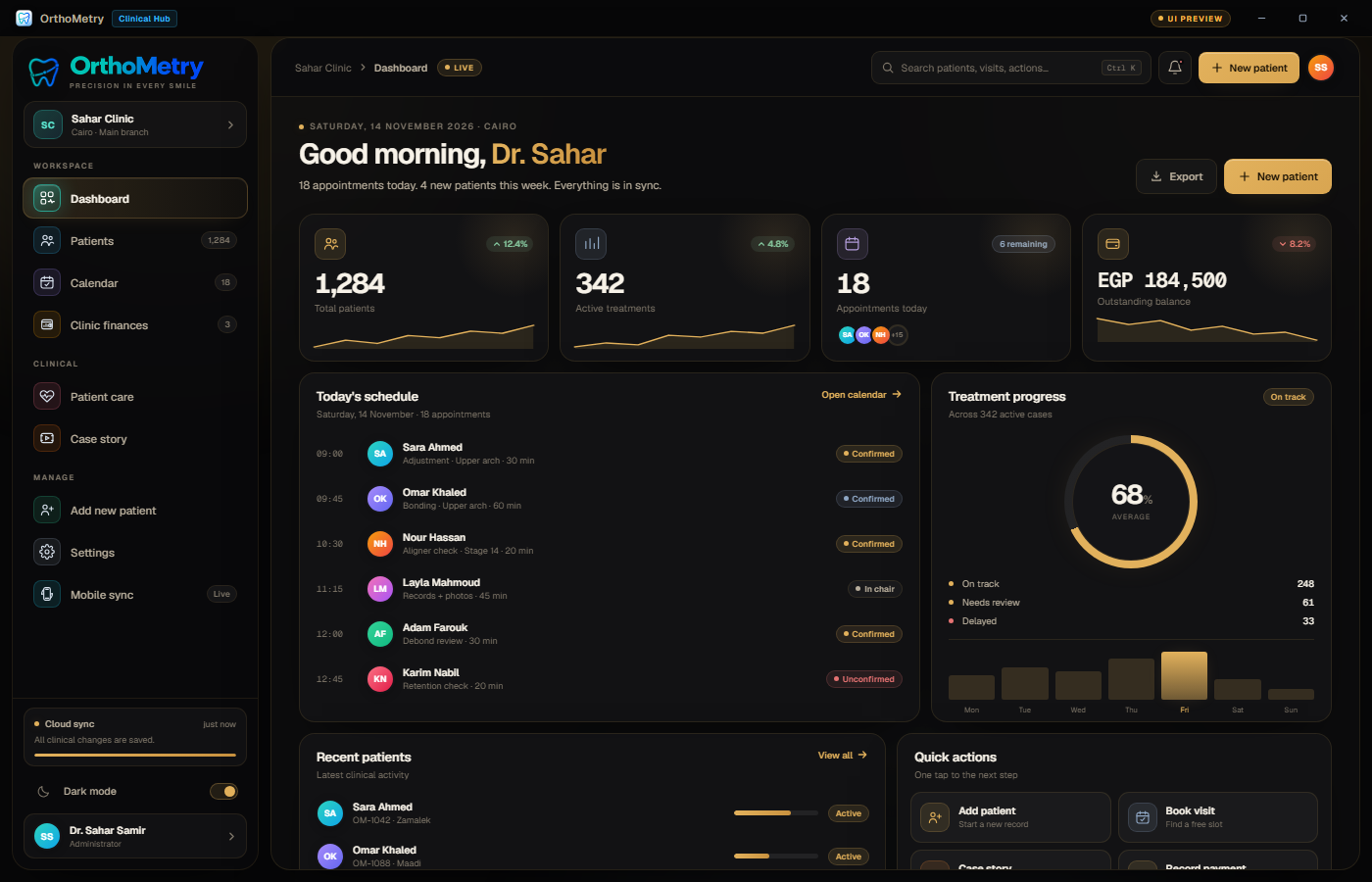
Switch effortlessly between warm Porcelain Light, crisp Atrium, and low-glare Noir Dark inside OrthoMetry. Preview all three themes below.
Google Data Transparency & Trust
Your patient database lives locally in SQLite on your Windows workstation by default. Google Drive and Google Calendar run through two separate Desktop OAuth clients—each with its own consent screen, narrowest possible scope, and one-click disconnect in Settings.
drive.file
Uses a dedicated Desktop OAuth client for Drive only. OrthoMetry stores clinical photos, 3D STL models, and your workstation backup file orthometry_database_backup.db inside the clinic’s own Google Drive.
calendar.events
Uses a separate Desktop OAuth client for Calendar only. OrthoMetry creates and updates appointment events on the clinic’s chosen calendar while keeping only the Google event ID locally.